
MI-VINE Coverage in Macomb
MI-VINE is Michigan’s free, confidential victim-information and notification service. It can provide offender and criminal-case information from MDOC and participating sheriff or prosecutor feeds. Users can search through VINELink or call 800-770-7657. The state brochure also lists TTY access at 866-847-1298.
Coverage must be described by source. Official state material reports broad sheriff participation, but it does not promise that every municipal lockup sends a complete feed. A Warren or Roseville police detention question may still require direct contact with that police agency and its district court. Macomb County Jail status should be checked against MCSO, while a Michigan state-prison status should be checked in OTIS.
The official Michigan MI-VINE page identifies the state service and its custody-information role.
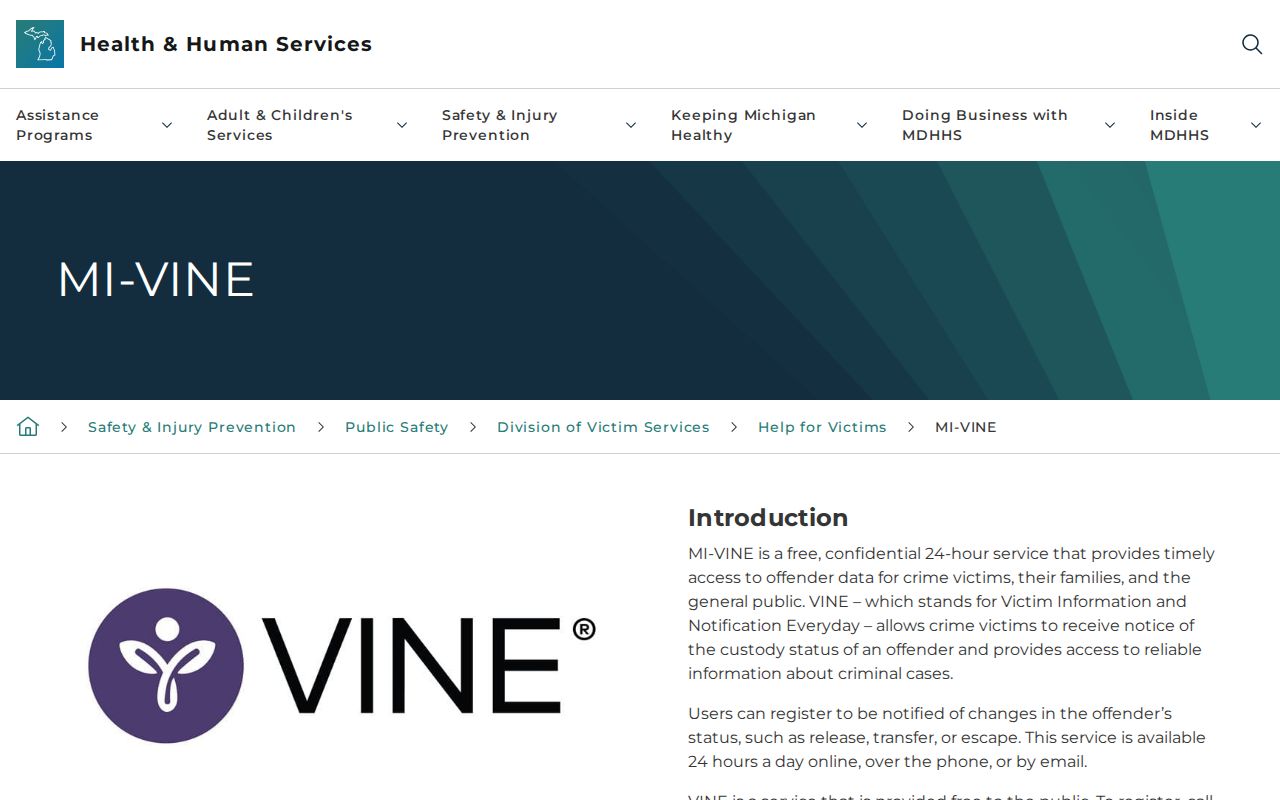
Use that service for one-person status and alerts, then confirm the reported event with the named custodian.
Check Macomb County VINE Records
Search one known person rather than trying to build a list. Have the full name and another identifying detail ready. A date of birth, offender number, booking identifier, agency, or facility can prevent a common-name result from being assigned to the wrong person.
- Open VINELink and select Michigan as the state.
- Choose the people or offender search offered in the live interface.
- Enter the first and last name or an available offender identifier.
- Compare the date of birth or ID, reporting agency, and facility across possible matches.
- Open the correct record and read custody status, agency, facility, and the reported event or date together.
- If release is reported, ask whether it means release to the community or transfer, then check the court, OTIS, BOP, or ICE when the custody path calls for it.
Do not select a result on name alone. VINELink reflects the agency feed attached to that match. The full Macomb County released inmate search can help when the last custodian is unknown or a person does not appear in the expected source.
Note: Record the status wording, reporting agency, facility, identifier, event, and check time before the live result changes.
Match Macomb VINE Inmate Results
A VINE result is useful only when the identity and custodian align. Compare the person’s name with DOB or an offered ID. Then compare the reporting agency and facility with the last known custody setting. A result from MDOC does not prove a Macomb County Jail booking, and a county feed does not establish state-prison parole or discharge.
Read status and location as one statement. A participating agency may report release from its custody, but another agency can take custody at once. Transfer is not community release. The same caution applies when a court has entered a bond or release order. That order provides legal authority; it does not always mark the minute staff completed the jail exit.
- Custody status
- The live state supplied by the reporting feed for that person.
- Reporting agency
- The office responsible for the VINE record and the first source to contact.
- Facility
- The custody site associated with the event or current record when supplied.
- Event
- A reported change such as release, transfer, or escape, subject to the feed’s wording.
- Identifier
- A booking, offender, or other number that makes the person match more reliable.
No static Michigan source guarantees the exact text or every field on all released results. Quote only what the live matched record actually states.
Macomb VINE Release Fields
The live VINELink interface can vary by reporting agency. Michigan research supports a core group of items to examine, but it does not support inventing a universal release-date label. Read every available item in context and keep the reporting source in any saved note.
| VINE item | How to read it |
|---|---|
| Name and offered identifier | Use these with DOB or agency details to select the right person. |
| Custody status | Shows the status supplied by that feed, not a nationwide all-custody conclusion. |
| Reporting agency | Identifies the source that should confirm the event or correct its record. |
| Facility or location | Helps separate county jail, state prison, and another participating source. |
| Reported event | May describe release, transfer, escape, or another change as the live source offers it. |
| Event date or time | Use the displayed wording exactly and verify it against the agency record. |
The VINELink Michigan selection and person-search screen documents the one-person lookup entry point.
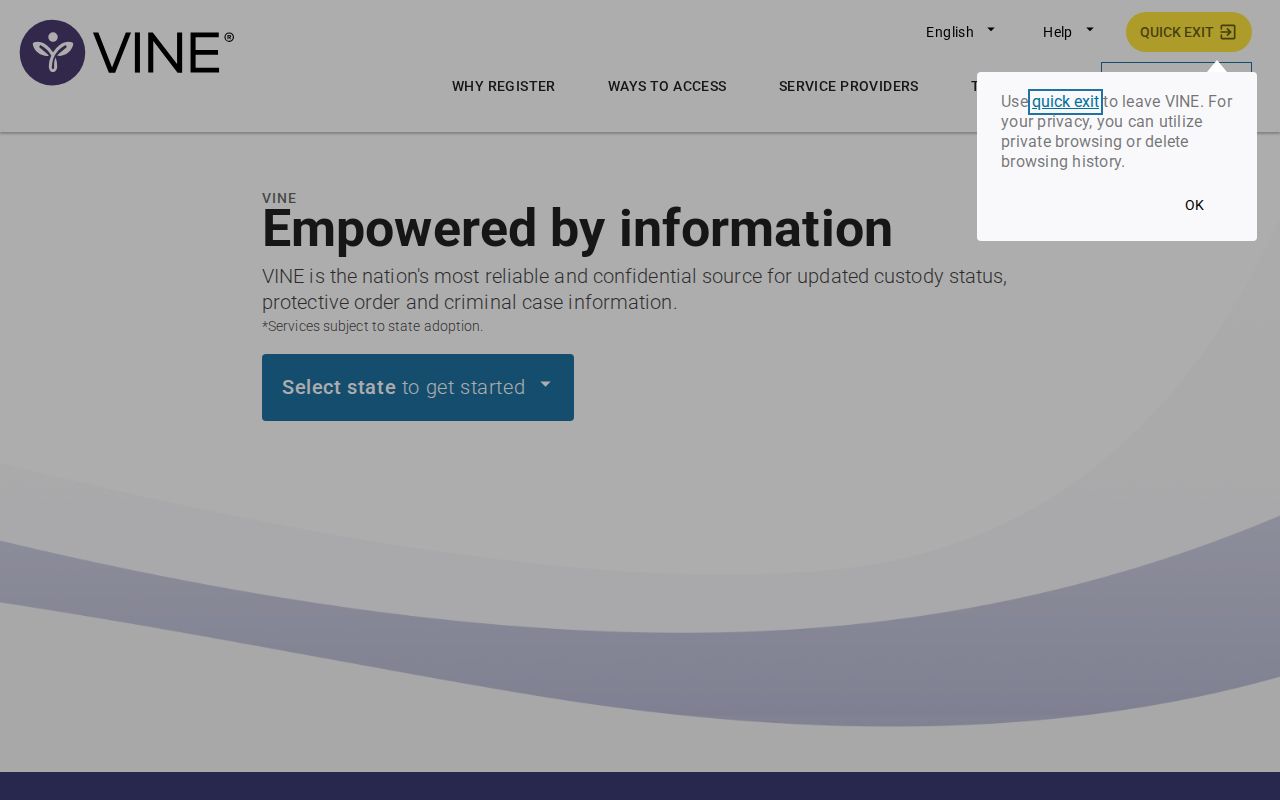
The search supports a specific-person check, not a 24-hour or 72-hour Macomb release list.
Register Macomb VINE Release Alerts
Registration works best while the person remains in custody. Find and verify the correct record first. Then select the custody event and a delivery method offered by the live system. Options can include phone, text, app, email, or TTY. The available mix may depend on the interface and record.
- Open the verified in-custody match rather than a same-name result.
- Select the event to monitor, such as release, transfer, or escape.
- Choose an offered delivery method and enter the requested contact details.
- For a phone registration, create a four-digit PIN that can be entered during the call.
- Complete any phone or email verification required by an optional VINELink account.
- Save the agency, person identifier, chosen event, and registration details.
An optional account can retain a watch list through a username and password plus phone or email verification. Account creation is not the same as matching the right record. Recheck the identity and agency before saving a watch.
Note: A person already released may remain searchable, but new notification choices can be unavailable once the relevant custody event has passed.
Confirm Macomb VINE Phone Alerts
Phone alerts include a confirmation step. When VINE calls, listen to the message, enter the four-digit PIN, and then enter `#`. That action confirms receipt for the event and stops repeat calls tied to it. Without confirmation, the system can leave a message and continue calling for up to 24 hours.
If the PIN is lost, call the toll-free MI-VINE line and press 0 for an operator who can help reset or cancel it. Keep the PIN private but accessible to the person responsible for the registration. A missed call should not be converted into a release claim without hearing the message or checking the live record.
The notice is a prompt to verify. Write down the reported event, date, person identifier, and reporting agency. For a Macomb County Jail event, contact MCSO and review the court record. For an MDOC event, check OTIS status and location. A transfer notice may point to a new custodian rather than release into the community.
Macomb VINE Custody Limits
MI-VINE does not replace custody-specific systems. It covers MDOC and participating sheriff or prosecutor feeds, but the official description is not a promise of universal coverage for every local lockup. A missing Warren or Roseville record can require direct police and district-court contact. A missing result is not proof of release.
Federal prison records belong in the BOP Inmate Locator. Federal pretrial custody managed by the U.S. Marshals Service lacks a comparable public released-person locator and can require direct agency records. Immigration custody belongs in ICE’s Online Detainee Locator and related agency channels. VINELink should not be described as covering those federal systems.
| Custody type | Primary confirmation source | VINE role |
|---|---|---|
| Macomb County Jail | MCSO live status, release transaction, and court docket | Participating-feed alert or custody clue |
| Michigan state prison | OTIS status, `DATE PAROLED`, location, and MDOC records | Custody notice, separate from full MDOC record |
| Municipal detention | Warren or Roseville Police and the relevant district court | Only if that source and event are actually reported |
| Federal prison or pretrial custody | BOP locator or U.S. Marshals records | Not the federal locator |
| Immigration custody | ICE locator and agency contact channels | Not the ICE locator |
Macomb VINE and MDOC Notices
MI-VINE custody alerts and MDOC Crime Victim Services notices serve related but different roles. State-prison parole eligibility, Michigan Parole Board actions, and other MDOC-specific notices may require separate registration with MDOC Crime Victim Services at 877-886-5401. A county-jail VINE registration does not create blanket enrollment in that state program.
OTIS is the public person-level verification source for a Michigan prisoner, parolee, MDOC-supervised probationer, absconder, or a recently discharged person within its scope. A parole status and `DATE PAROLED` can support release from prison into continued supervision. `DISCHRG` means the displayed MDOC supervision ended. An earliest release date is an eligibility point, not proof that the person left.
When a Macomb VINE notice and OTIS differ, compare their agencies, event types, and update times. The VINE feed may report one custody change. OTIS may describe the person’s later state status and location. Keep both records when each answers a distinct question, and seek MDOC documentation when formal proof of parole or discharge is required.
Verify Macomb VINE Release Events
Finish a VINE inmate check by contacting the office named in the result. For Macomb County Jail, compare the alert with the Sheriff’s locator and request the event through the Macomb County Sheriff’s Office Records Office. Ask what the reported event means in that agency’s system. For a release, determine whether the person entered the community or transferred. Preserve the message and confirmation details.
Use cautious event wording. “MI-VINE reports a custody change from MCSO” is narrower and more accurate than saying the person is free of all custody. “OTIS reports parole with continued supervision” is different from discharge. A Macomb court record can supply the legal basis, while the jail record supplies the actual custody event. “BOP reports release from federal custody” says nothing about a separate state or local hold.
MI-VINE is strongest as a one-person search and prospective notice tool. Identity matching, agency context, and direct confirmation turn the alert into a reliable Macomb County custody account.
Note: Keep the original message or screen when possible, since custody data and the options offered by a live record can change.